MIKE – Mike's Toolbox

Twenty tools for everyday media chores, in one small Mac app.

Download videos, edit and convert images, extract text, manage files, split and tag audio, pack and unpack archives — twenty independent tools, free and open source, no account, no tracking.

macOS 13 Ventura or later · Apple Silicon · GPLv3

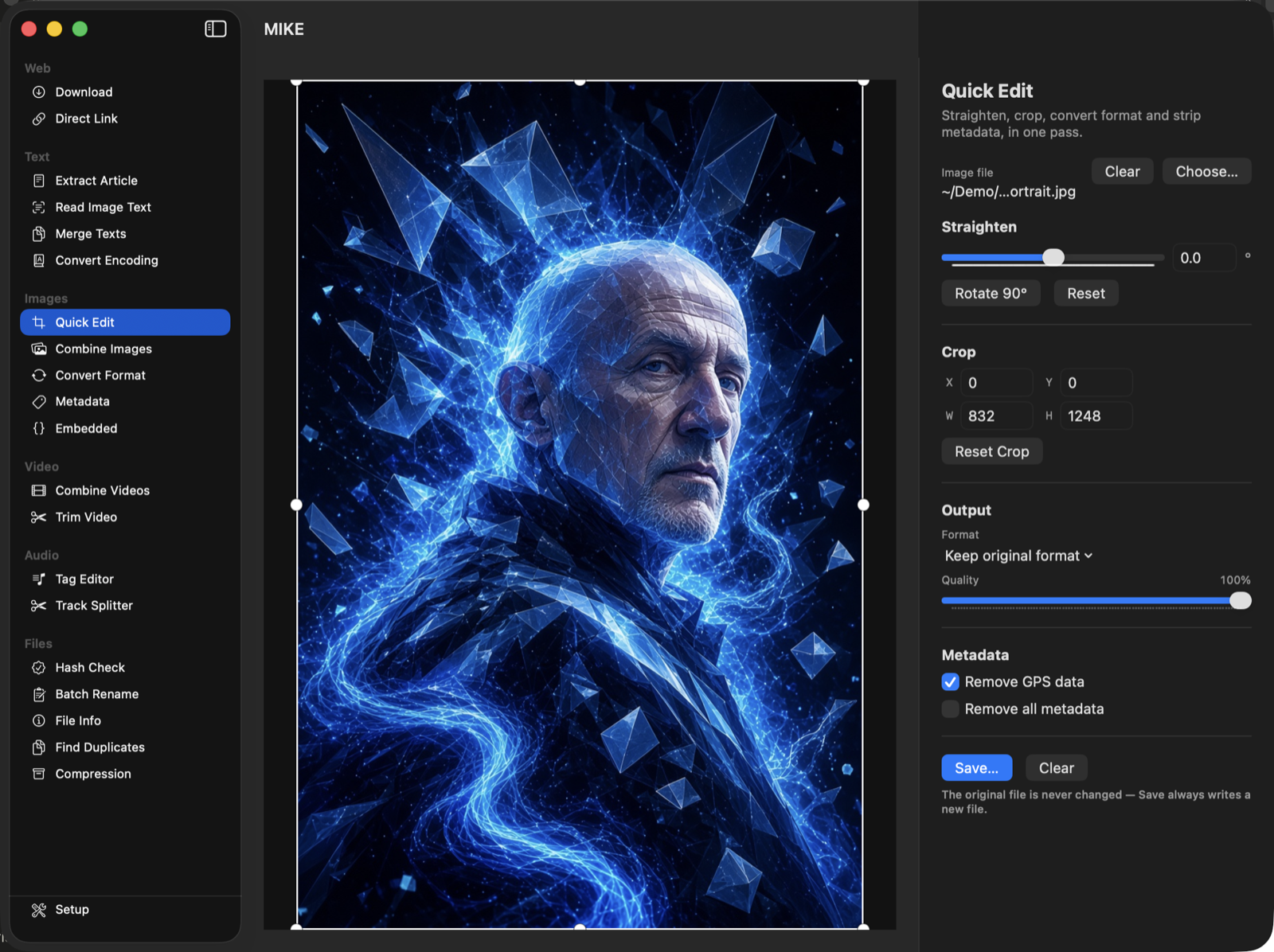
The MIKE window showing its full sidebar and Quick Edit's crop handles

Six groups, twenty tools

Every tool works on its own, picked straight from the sidebar. No project files, no setup screens — choose a tool and go.

Web

Fetch a video with the right settings picked automatically by site, or turn a TikTok page into a direct link on the clipboard.
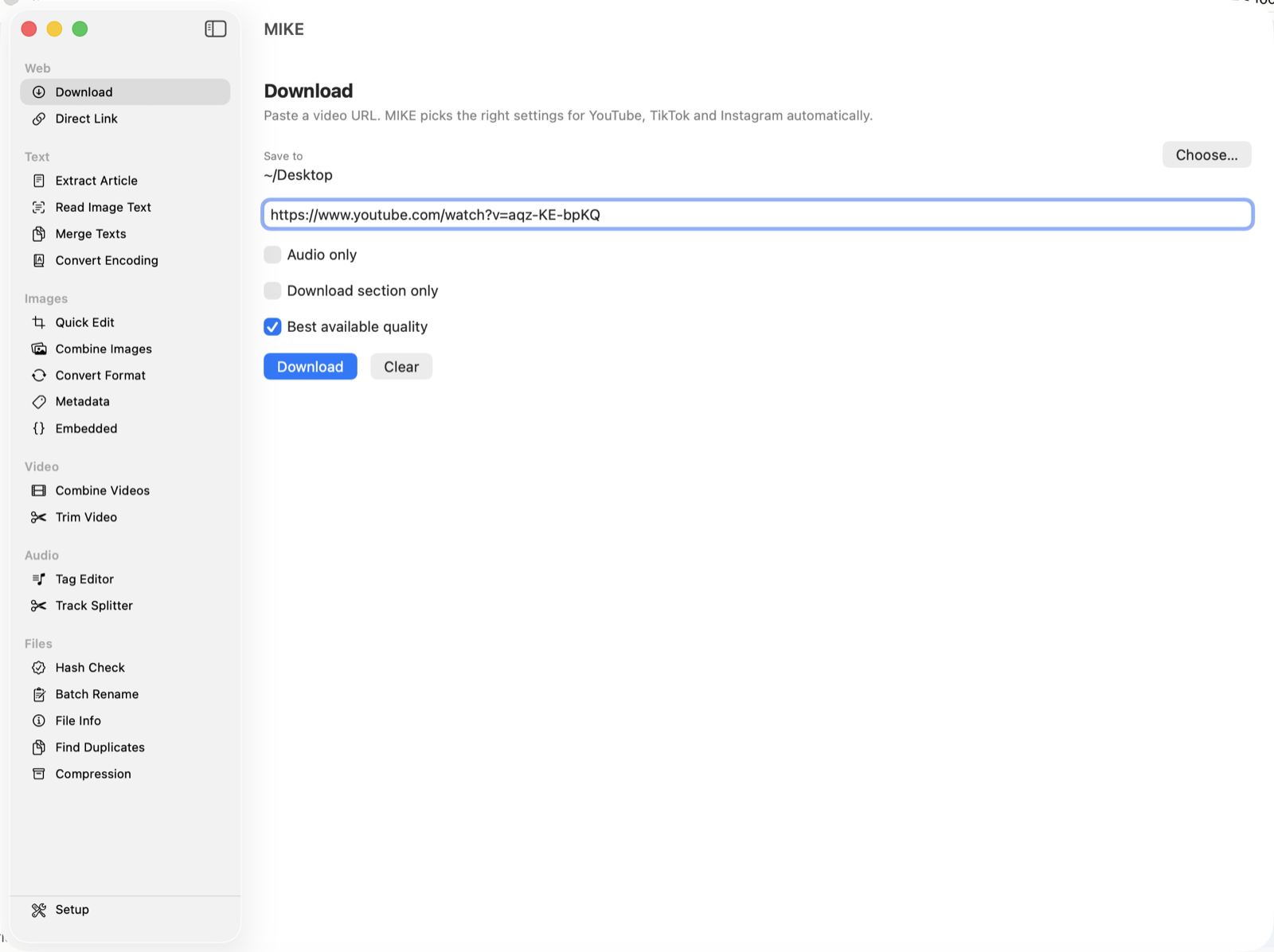
The Download tool with a video URL entered and its quality options

Text

Pull the readable text out of a web page, recognize text in a photo or screenshot, merge text files together, or convert between character encodings.
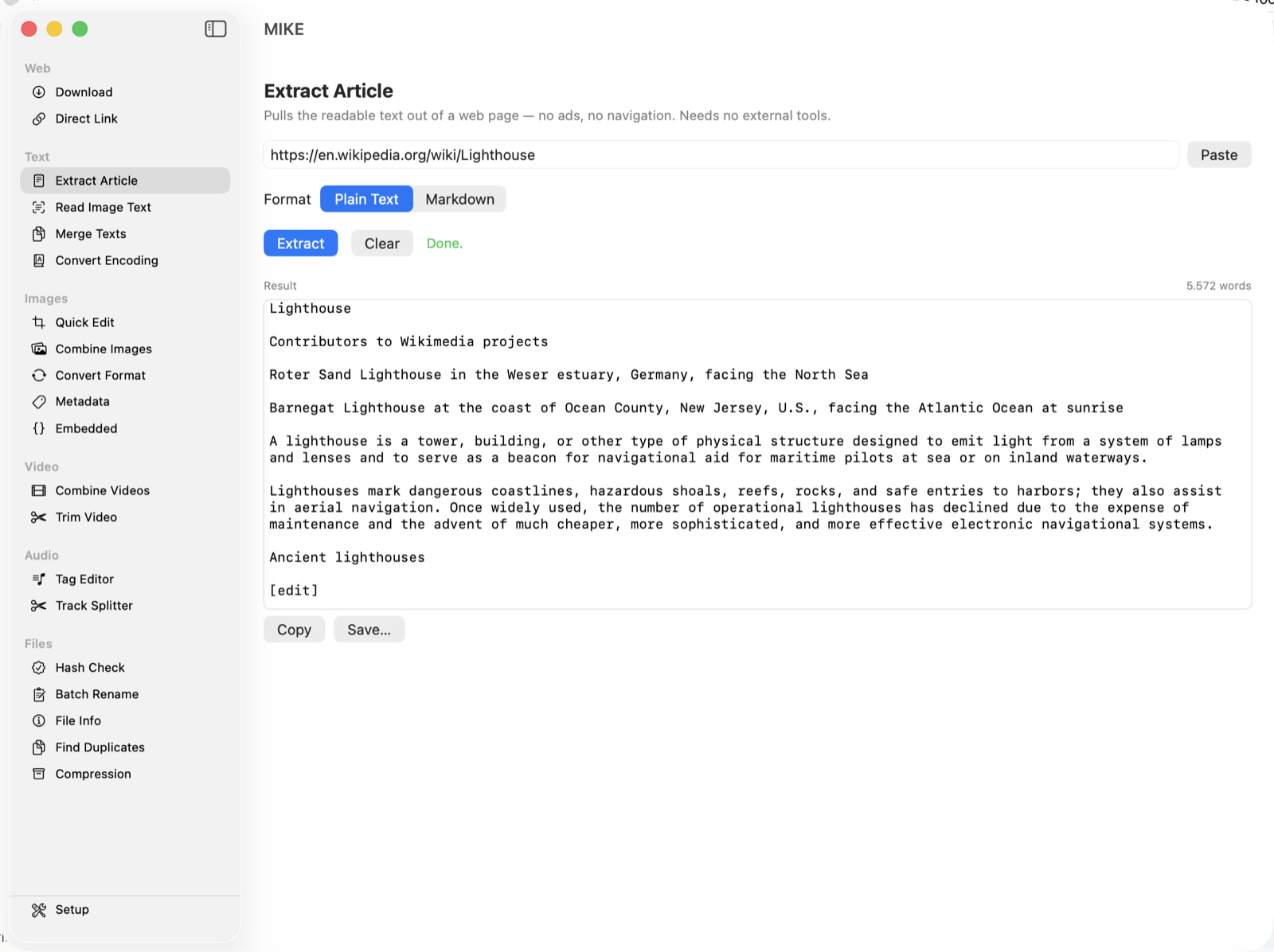
Extract Article showing the readable text pulled out of a web page

Images

Straighten, crop, convert and strip metadata in one pass, join images into one, convert between formats, and view or edit EXIF/GPS and embedded metadata.
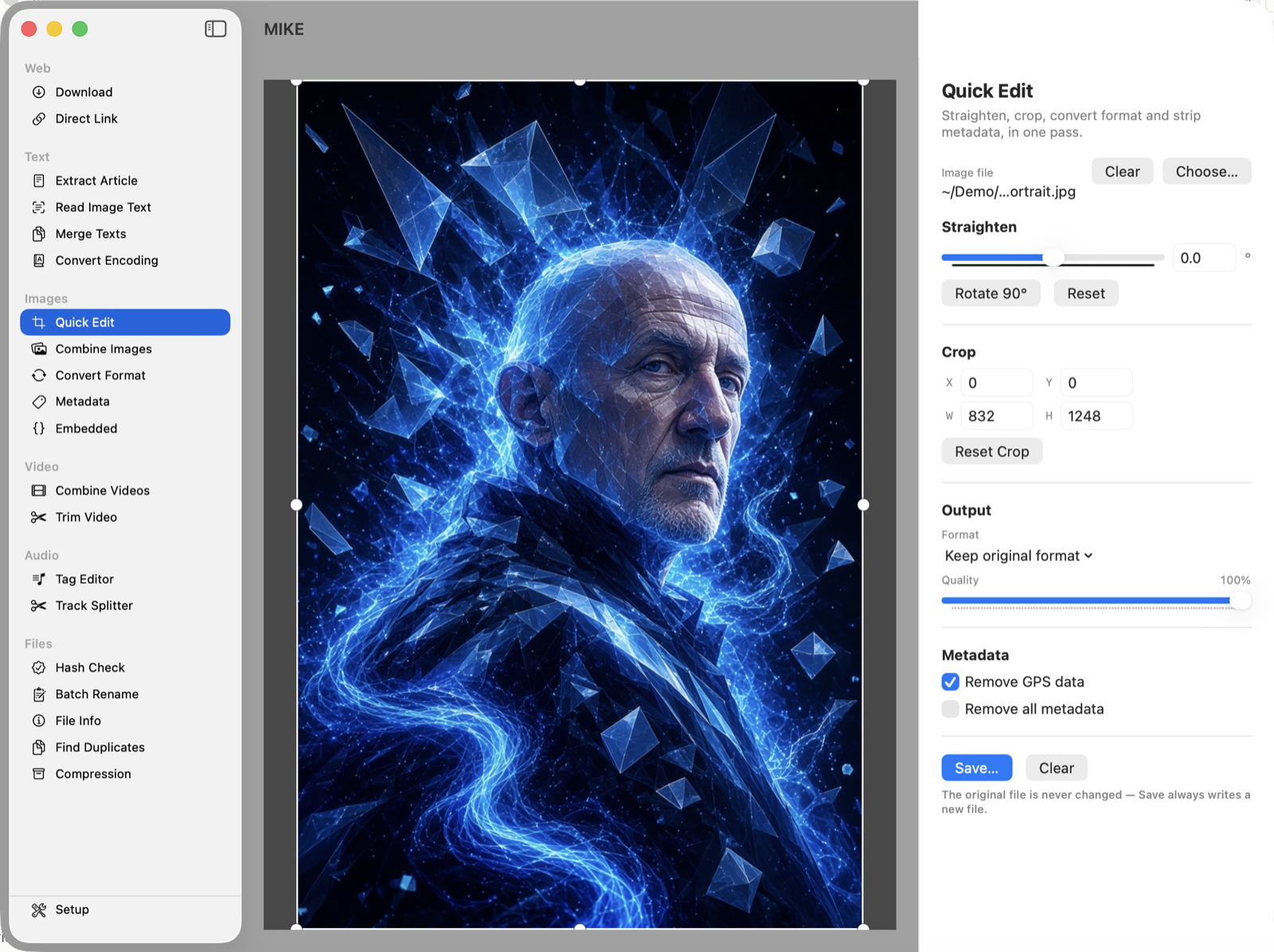
Quick Edit with its draggable crop frame over an image

Video

Join clips without re-encoding, or cut a clip down with a draggable timeline — optionally cropping the frame too, handy for black bars on a portrait recording.
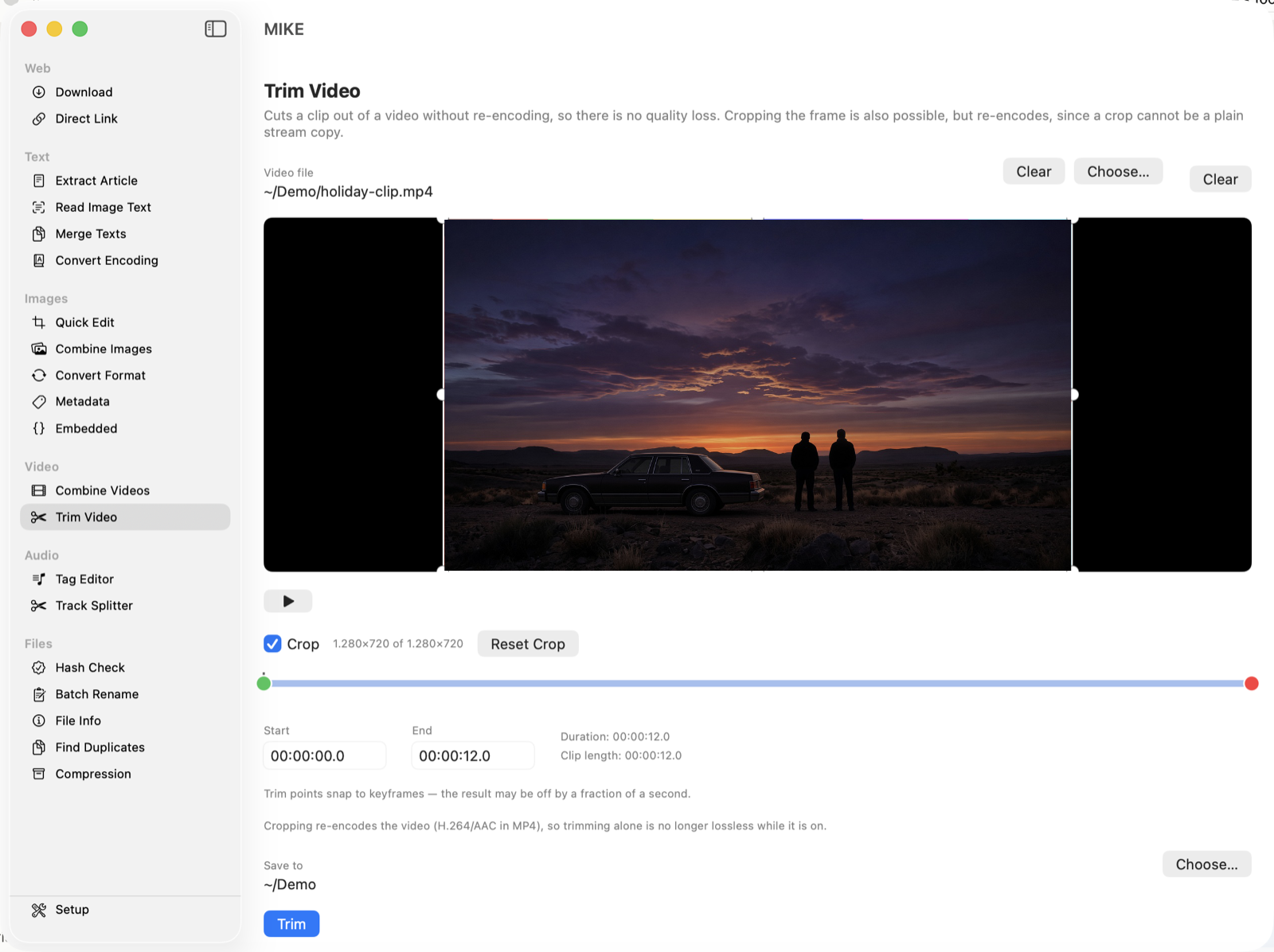
Trim Video with start and end markers and the optional crop frame switched on

Audio

Read and write title, artist, cover art and the rest, or split one long recording into separate tracks at the silences between them.
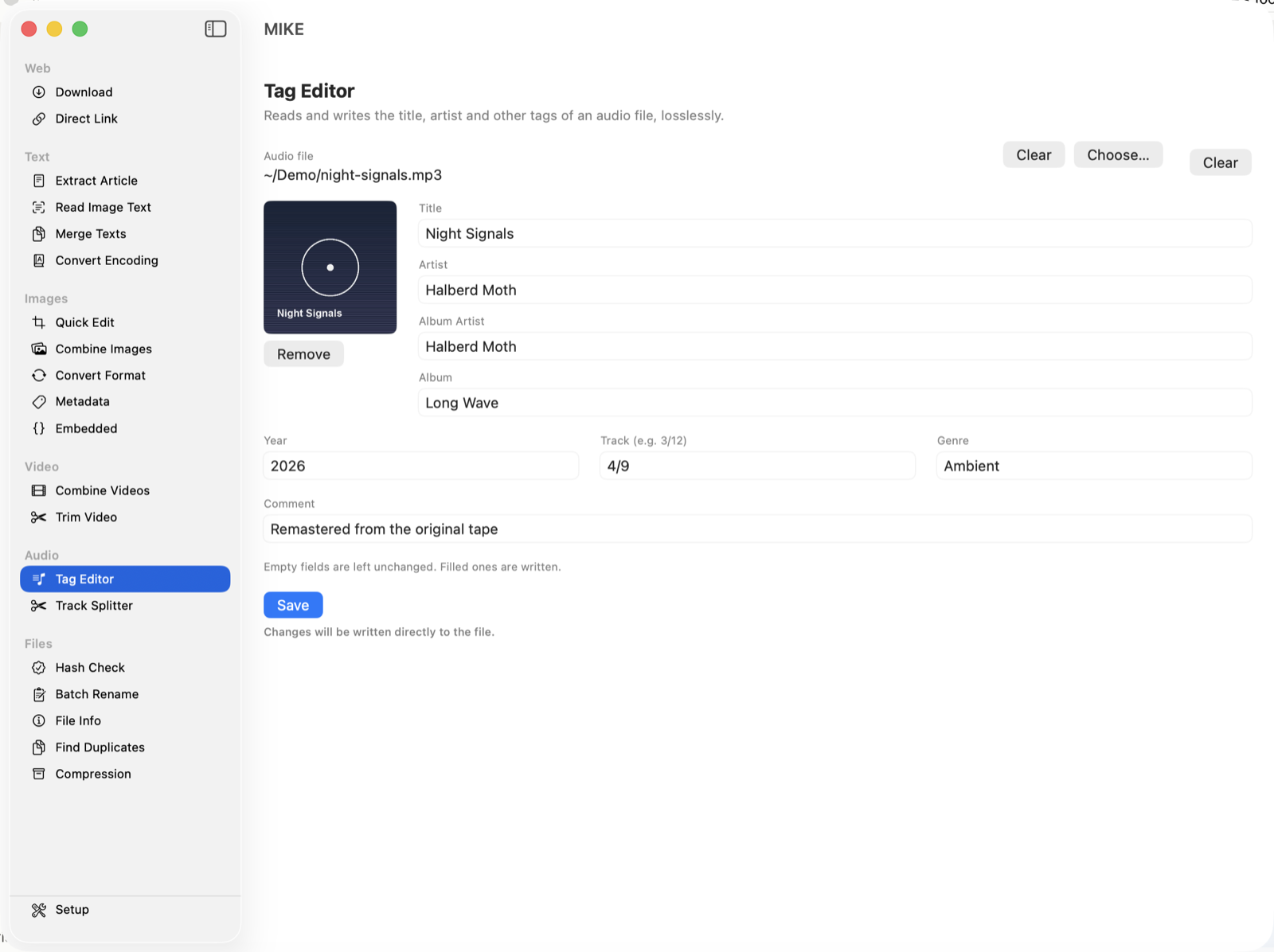
Tag Editor showing a track's cover art and tag fields

Files

Verify checksums against an expected value, batch-rename with chainable rules, inspect a file's details, find duplicates, or pack and unpack ZIP/TAR.GZ archives.
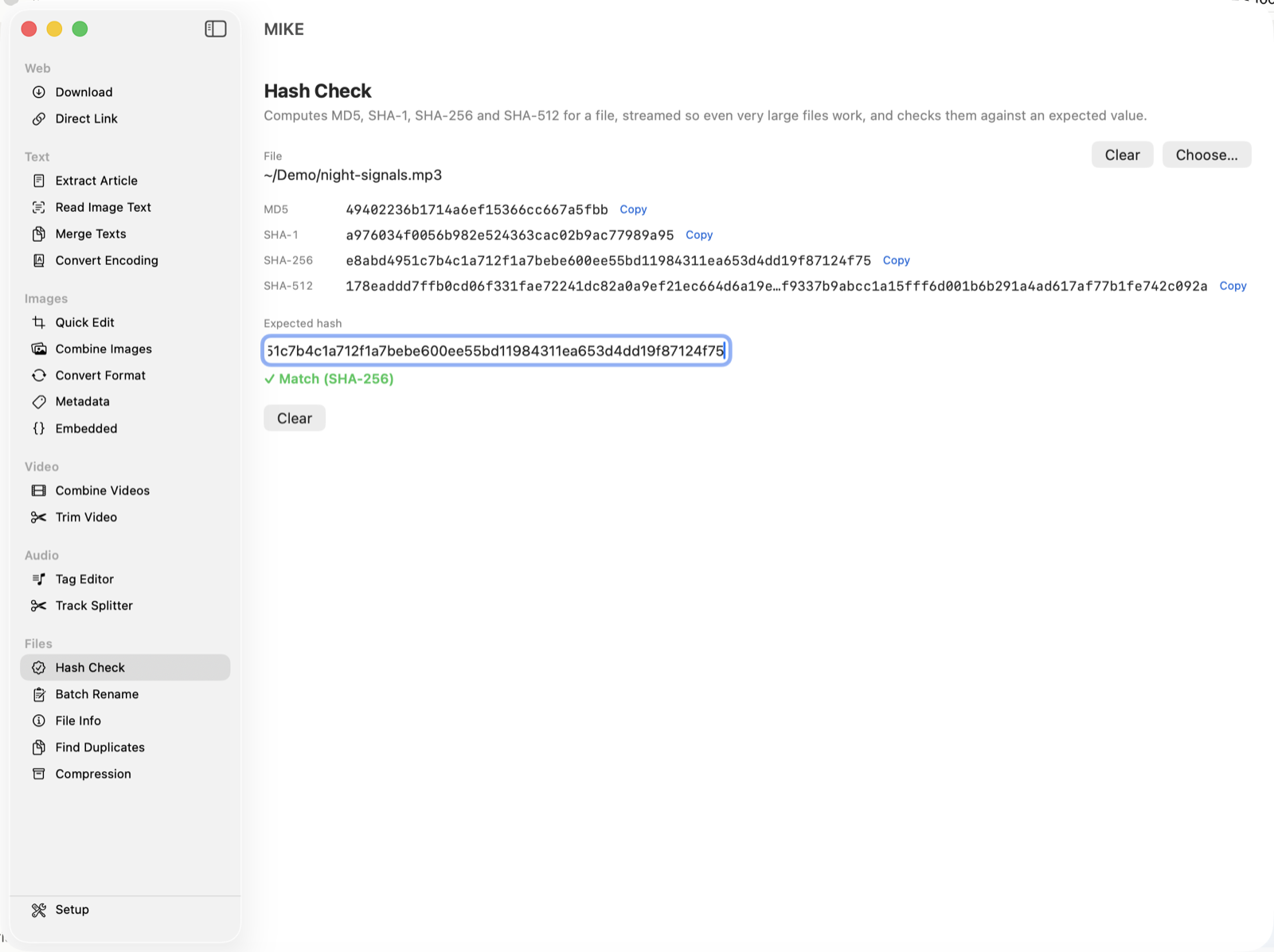
Hash Check confirming a file matches its expected SHA-256

Nothing is ever overwritten. A second run of any tool writes combined (2).jpg rather than replacing the first, and edits that need a backup — like metadata changes — always keep the untouched original alongside.
Good to know

A few practical details before you download.

Three languages

English, German and Spanish, picked automatically from your system language.

External tools stay external

yt-dlp and ffmpeg are never bundled — MIKE finds them on your system, so they stay current through your own package manager.

No account, no tracking

Everything runs locally. Nothing is uploaded anywhere unless a tool's whole purpose is fetching something from a URL you gave it.

Free, and staying that way

MIKE is free software under the GNU GPL v3. If it saved you some hassle, you can leave a tip.

Buy me a coffee